
Using Calendar with MetaPostz: Your Complete Guide to Planning Social Media Content
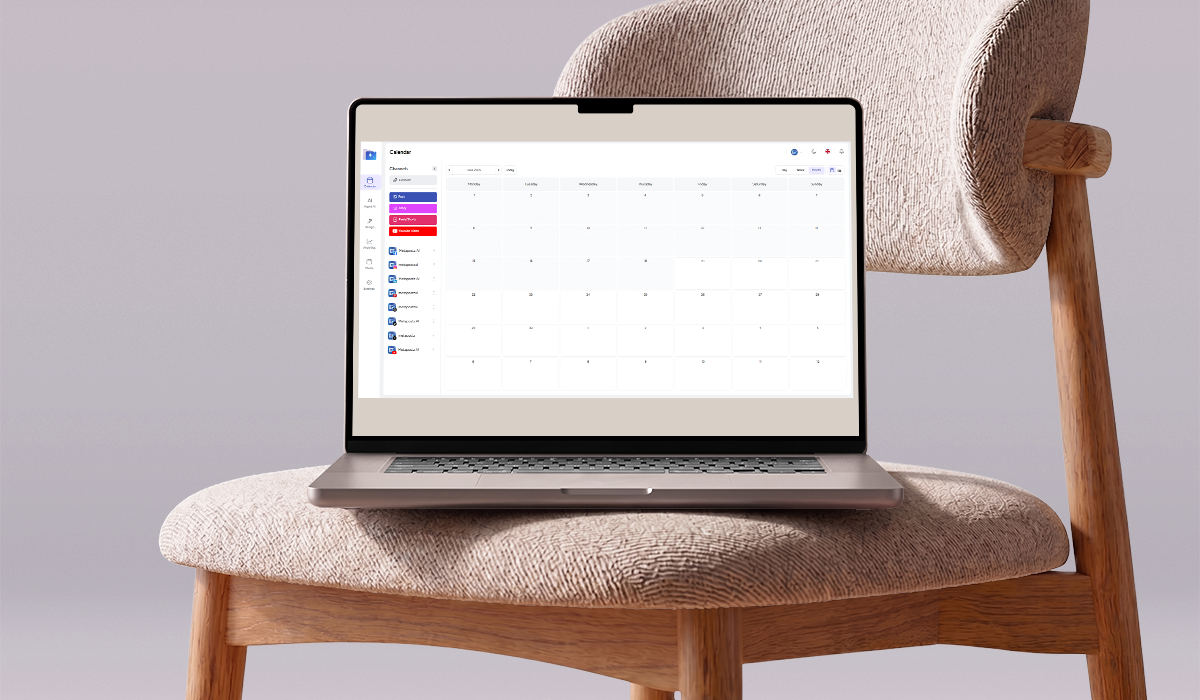
Managing content across multiple platforms becomes much easier when everything lives in one place. The MetaPostz Calendar gives you a visual overview of your publishing schedule, helping you organize posts, stories, reels, shorts, and YouTube videos without losing track of your content.
This guide will walk you through every section of the Calendar and show you how to use it effectively.
Why Use the MetaPostz Calendar?
The Calendar is designed to help you:
- Plan content ahead of time.
- View your schedule visually.
- Manage multiple social accounts from one workspace.
- Avoid content gaps.
- Maintain a consistent publishing routine.
Instead of manually checking each social platform, MetaPostz allows you to see everything from a single dashboard.
Lorem ipsum dolor sit amet, consectetur adipiscing elit. Ut elit tellus, luctus nec ullamcorper mattis, pulvinar dapibus leo.
Understanding the Calendar Layout
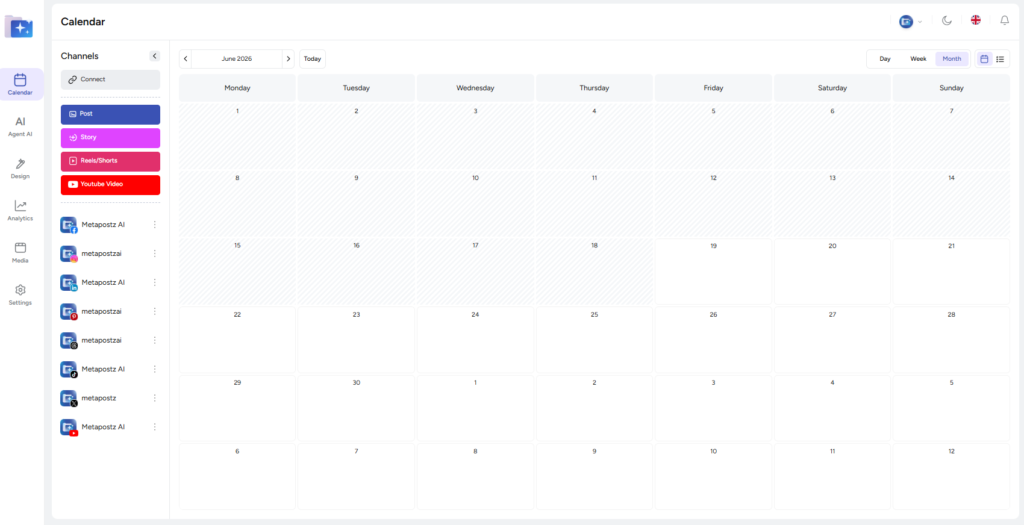
The Calendar interface is divided into three main areas:
- Sidebar Navigation
- Channels Panel
- Calendar Workspace
Channels Panel
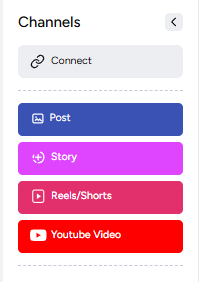
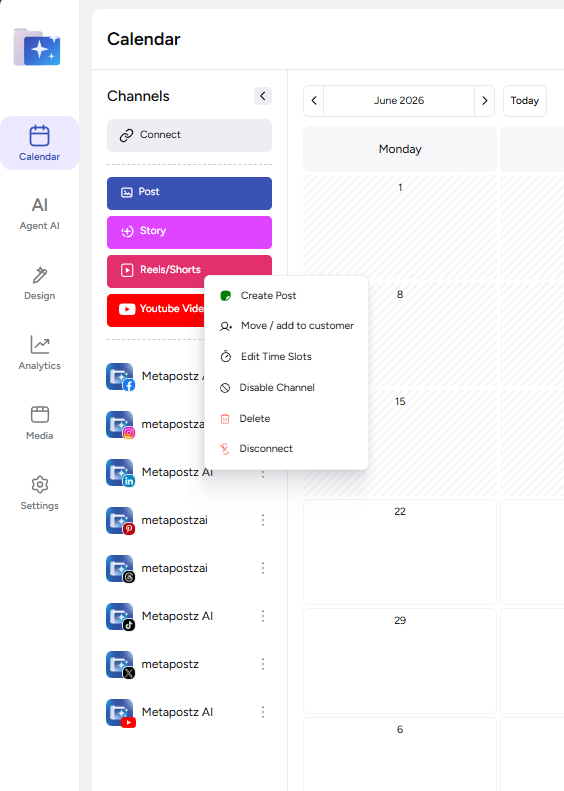
The Channels section is where you connect and manage your social media accounts.
Connect New Accounts
At the top of the panel, you’ll see the Connect button.
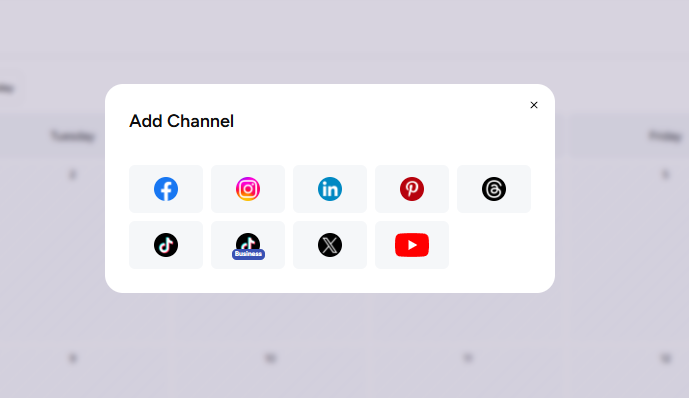
Use this option to add new channels to MetaPostz.
Supported platforms shown include:
- Threads
- TikTok
- X (Twitter)
- YouTube
Each connected account appears in the channel list below.
Content Types
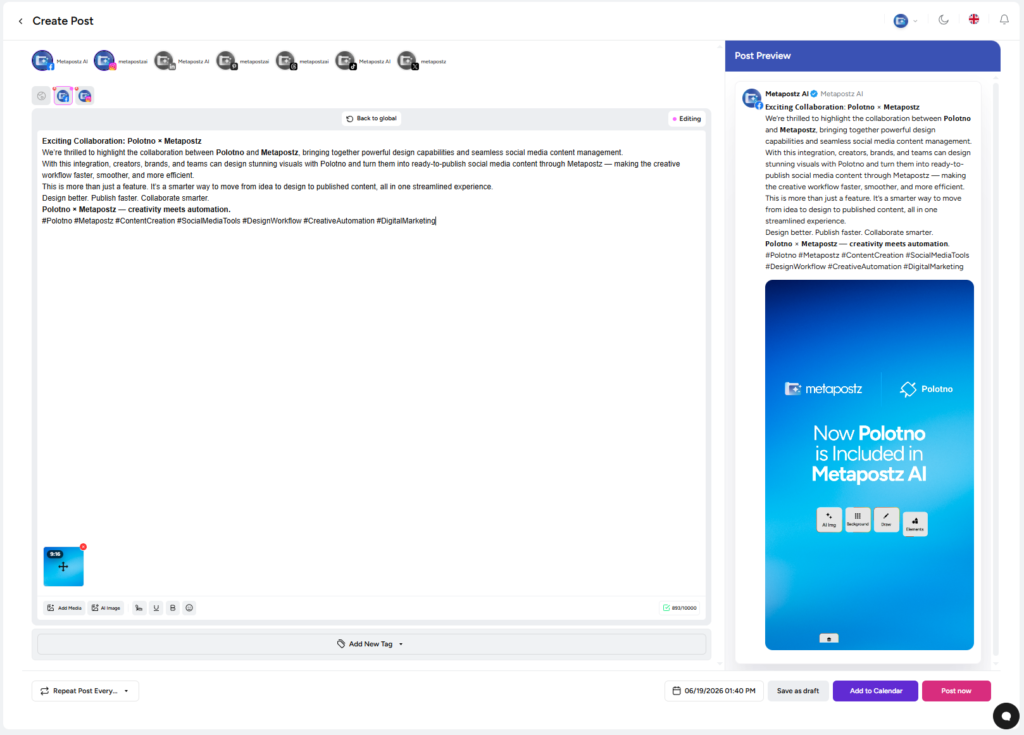
MetaPostz lets you create different kinds of content directly from the Calendar.
Post
Standard social media posts.
Ideal for:
- Instagram feed
- X
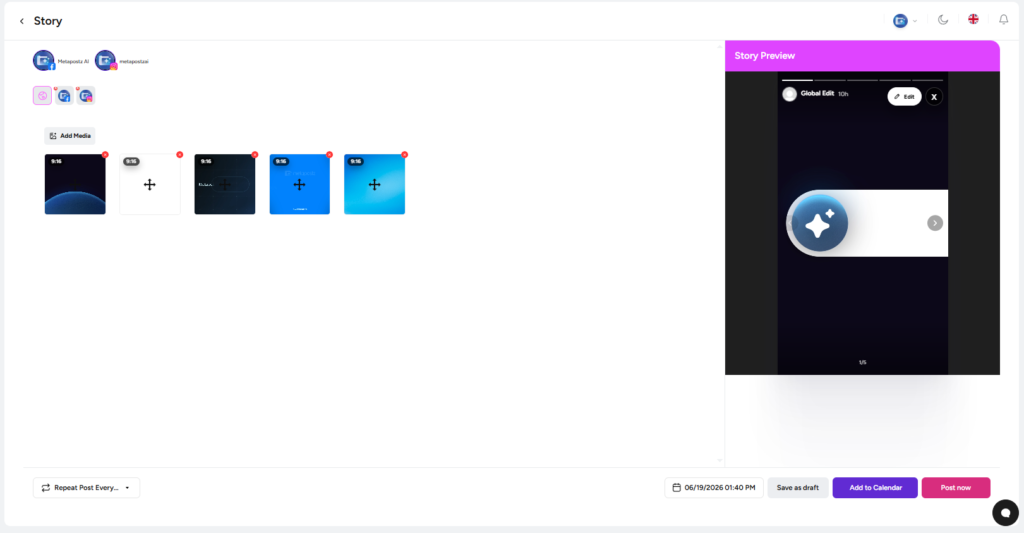
Story
Perfect for temporary and engaging content.
Use Stories for:
- Announcements
- Promotions
- Behind-the-scenes content
- Daily updates
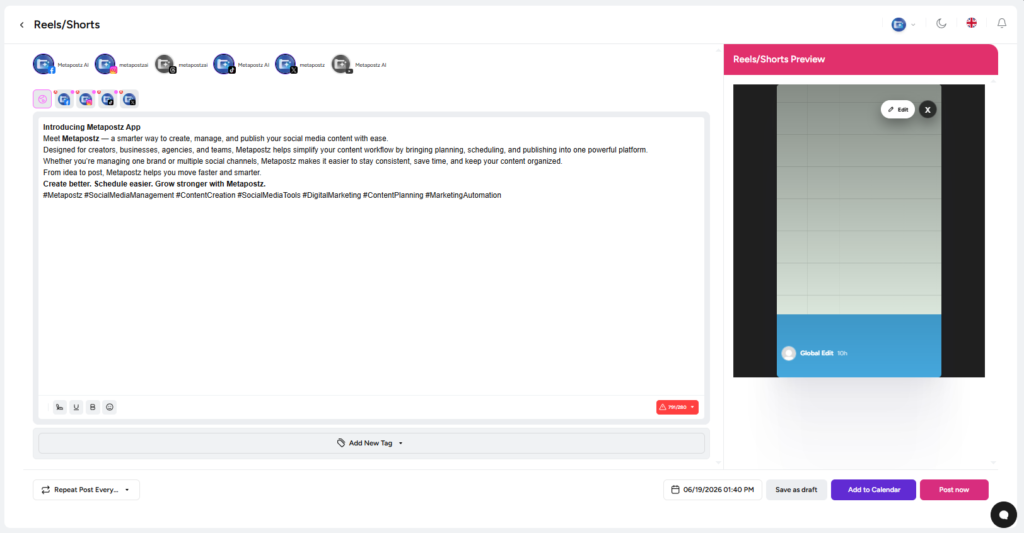
Reels / Shorts
Short-form vertical videos optimized for:
- Instagram Reels
- Facebook Reels
- YouTube Shorts
- TikTok
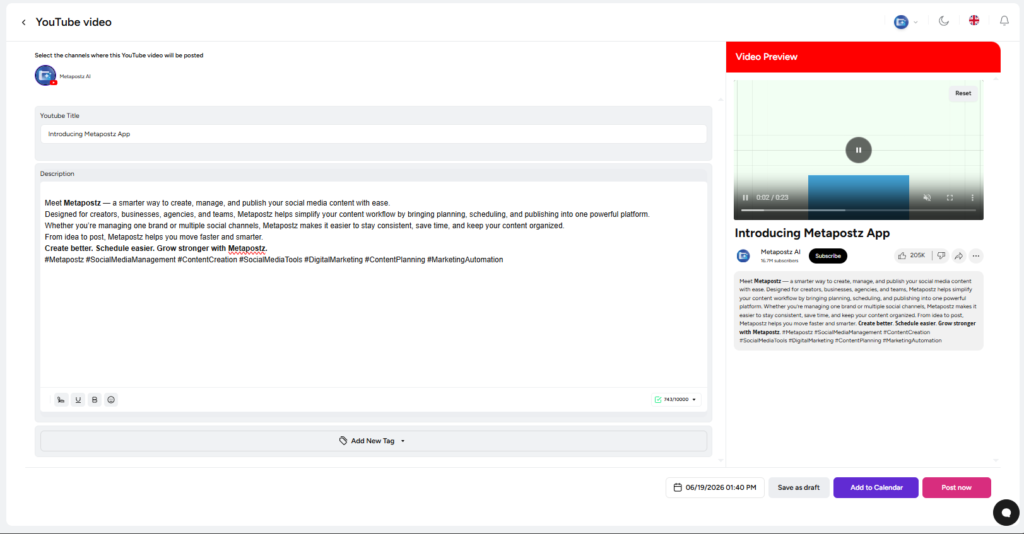
YouTube Video
Designed specifically for long-form YouTube content.
Great for:
- Tutorials
- Podcasts
- Product reviews
- Educational videos
Managing Multiple Accounts
Under the content buttons, you’ll find all connected channels.
Each account includes:
- Platform icon for easy identification.
- Account name.
- Quick-access options menu.
This makes it easy to schedule content for different brands or businesses without switching platforms.
Navigating Through Time
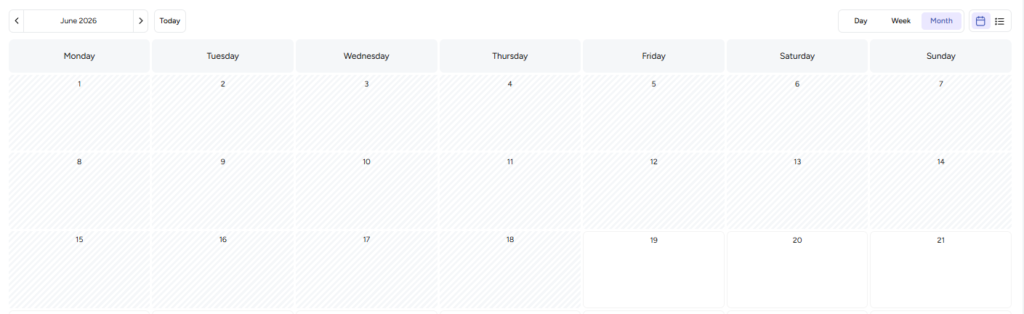
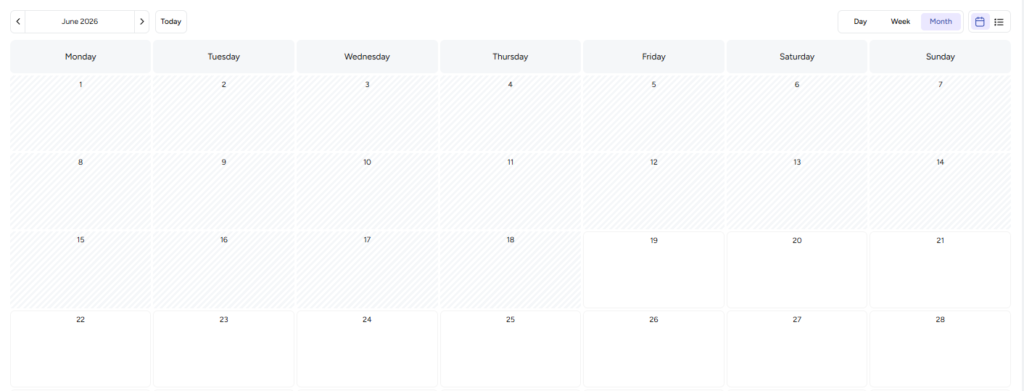
At the top of the Calendar, you’ll find controls for navigating dates.
Previous Month
Move backward to review older content schedules.
Next Month
Move forward to plan future campaigns.
Month Selector
The current month appears in the center.
Example:
June 2026
This allows you to know exactly where you are in your planning process.
Today Button
Instantly jump back to the current date.
Useful when you’re reviewing future content and want to return to today’s schedule.
Calendar Views
MetaPostz provides three viewing modes.
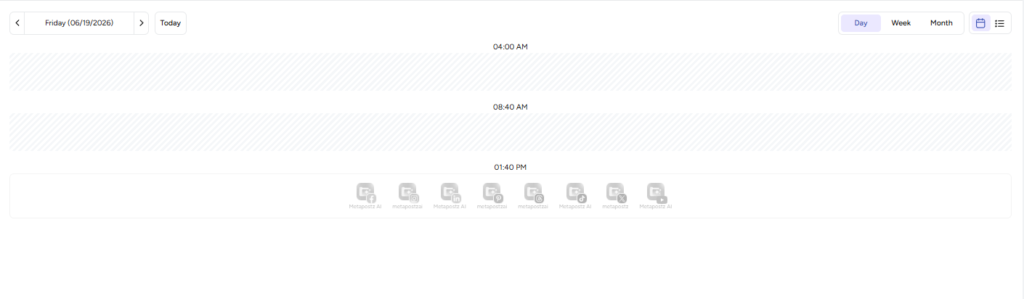
Day View
Focus on a single day.
Best for:
- Detailed scheduling
- High-volume publishing days
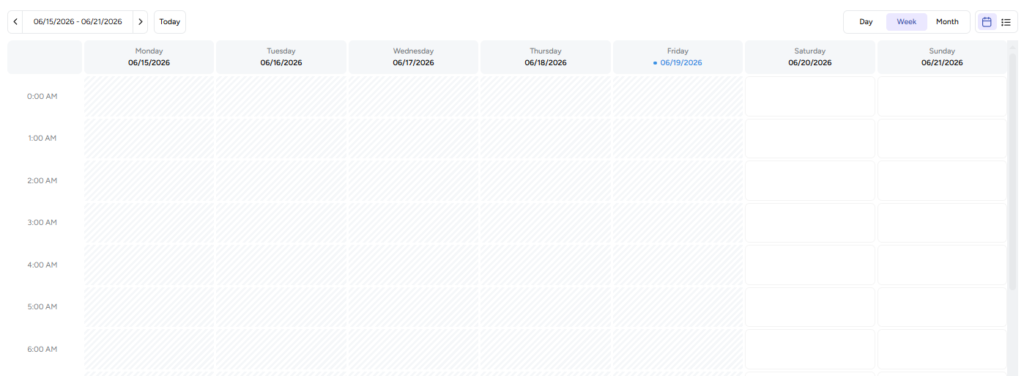
Week View
See your weekly content strategy.
Best for:
- Weekly planning
- Campaign management
Month View
Get a bird’s-eye view of your entire content calendar.
Best for:
- Monthly campaigns
- Content consistency
- Long-term planning
In the screenshot, Month View is currently active.
Understanding the Calendar Grid
The calendar is organized into:
- Monday through Sunday.
- Individual date blocks.
- Multiple weeks displayed at once.
This structure helps you:
- Identify content gaps.
- Balance publishing frequency.
- Spread campaigns across the month.
- Avoid overcrowding certain days.
The MetaPostz Calendar is more than just a scheduler, it's your content command center.
With support for multiple social platforms, various content formats, and flexible Day, Week, and Month views, MetaPostz helps you stay organized and publish consistently.
Whether you’re managing one brand or multiple clients, the Calendar gives you a clear overview of your entire social media strategy, making content planning faster, easier, and far more efficient.